Let's face it—these days, having an Indoor Display Screen has become pretty much essential whether you're at home or at work. I mean, just ask John Smith, a top guy in the world of visual display tech over at TechInsights. He says, ‘Picking the right Indoor Display Screen can really change how we communicate and share info.’ No kidding! As more folks want to create those cool, immersive vibes in their living rooms or offices, it’s so important to get a good grip on the different features, types, and installation options out there.
The market’s packed with all sorts of Indoor Display Screens, each with its own perks depending on size, resolution, and what they can do. Choosing one for a conference room, a home theater, or even a creative workspace can feel pretty overwhelming, honestly. That’s exactly why I put this guide together—to make things a lot simpler for you. We’ll go over the key things to keep in mind when shopping for an Indoor Display Screen, so you’re covered both in style and practicality. Plus, with insights from industry pros and the latest tech scoop, you’ll be all set to make smart, confident choices for your indoor display setup.
Understanding Indoor Display Screens: Types and Technologies
Indoor Display Screens have become essential tools for both home and office environments, driven by advancements in technology and the increasing demand forvisual communication. These screens come in various types, each suited for specific applications. The three main categories are LED, LCD, and OLED. According to a report by MarketsandMarkets, the global indoor display market is expected to reach $20.6 billion by 2025, reflecting a CAGR of 6.3% from 2020. This growth highlights the rising importance of digital signage, particularly in retail and corporate sectors, where visual engagement can significantly enhance user experience.
Understanding the technologies behind these displays is crucial for making informed decisions. LED screens are known for their brightness and energy efficiency, making them ideal for environments with high ambient light. In contrast, LCDs offer excellent color accuracy and are often found in office settings where clarity and detail are paramount. OLED technology is gaining traction due to its superior contrast ratios and flexibility, allowing for innovative designs and installations. According to Display Data, OLED screens are projected to account for 27% of the display revenue share by 2024, showcasing their growing popularity among consumers looking for high-quality visual solutions.
Key Factors to Consider When Buying Indoor Display Screens
When considering the purchase of Indoor Display Screens for home or office use, several key factors must be taken into account to ensure the device meets your specific needs. Firstly, screen size is crucial; it should be proportionate to the space where it will be installed. A larger screen may be necessary for spacious areas or large meetings, while smaller screens can suffice for personal use or more intimate settings. Additionally, the resolution of the display significantly impacts clarity, with higher resolution options providing sharper images and more vibrant colors that enhance both professional presentations and personal viewing experiences.
Another important consideration is the screen's brightness and viewing angles. For environments with substantial ambient light, such as offices with large windows, a brighter display will be essential to ensure content is visible from various angles. Furthermore, assessing the connectivity options offered by the screen is vital; compatibility with various devices improves versatility and allows for seamless integration into multiple setups. By carefully evaluating these factors—screen size, resolution, brightness, and connectivity—you can make a more informed decision that aligns with your requirements while enhancing your overall visual experience.
Top Indoor Display Screen Buying Guide for Your Home and Office Needs
| Feature | Description | Considerations |
| Screen Size | Determines the visibility from a distance. | Choose a size appropriate for the room's dimensions. |
| Resolution | Higher resolution provides clearer images. | Consider at least Full HD (1080p) for office presentations. |
| Brightness | Measured in nits; higher is better for well-lit areas. | Ensure brightness suits the lighting conditions of the environment. |
| Technology Type | LCD, LED, or OLED options available. | Review pros/cons for color accuracy and energy consumption. |
| Connectivity | HDMI, USB, and wireless options available. | Consider compatibility with additional devices. |
| Aspect Ratio | Standard 16:9 or 4:3 for different content types. | Choose based on the primary use (videos vs. presentations). |
| Budget | Price range usually varies based on features. | Define a budget before exploring options. |
| Warranty | Typically 1-3 years depending on manufacturer. | Check warranty details for repairs and replacements. |
Comparison of Popular Indoor Display Screen Brands
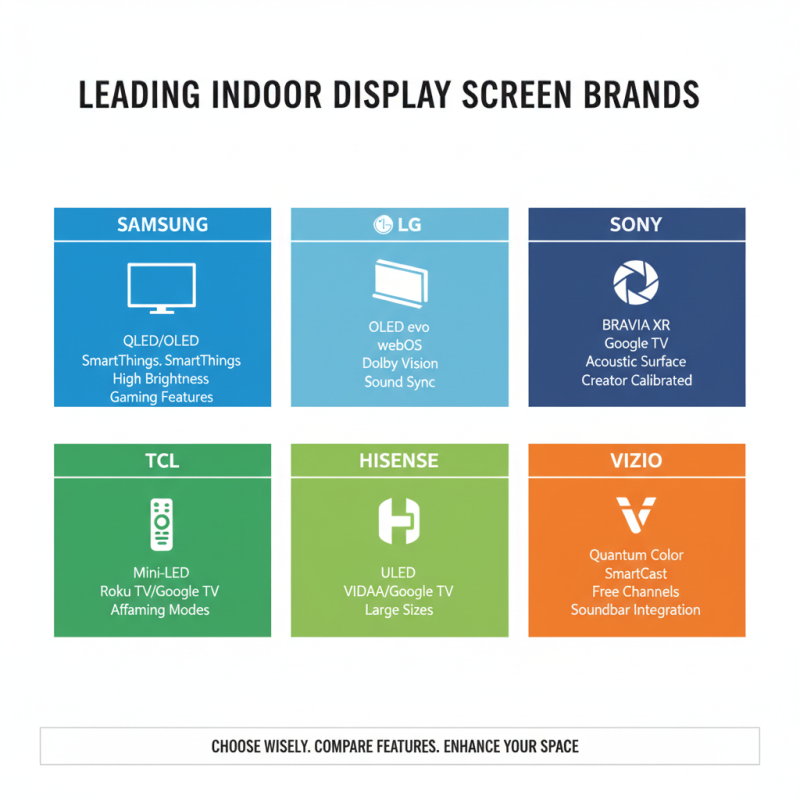
When it comes to selecting the right Indoor Display Screen for your home or office, it's essential to consider the leading brands in the market. Each brand offers a unique combination of features, such as screen resolution, size, brightness, and connectivity options. By comparing popular brands, you can identify which screens provide the best value for your specific needs. Some brands are known for their high-definition visuals and vibrant colors, while others excel in smart features and ease of use.
Tips for choosing an Indoor Display Screen include first assessing the primary purpose of the screen. Are you planning to use it for presentations, displaying artwork, or streaming media? Understanding your primary use-case can help narrow down the options. Additionally, consider the screen's location—if it will be in a well-lit environment, look for models with higher brightness capabilities to ensure images remain clear and vivid.
Another crucial aspect to evaluate is the form factor. Wall-mounted screens can save space in a small office, while portable options may be more suitable for dynamic spaces that require flexibility. Always check the warranty and support options provided by different brands to help mitigate any potential issues down the line. Finally, read customer reviews to gain insights into user experiences and satisfaction, which can provide valuable information beyond the specifications listed by the manufacturers.
Screen Size and Resolution: Finding the Right Fit
When it comes to choosing an Indoor Display Screen for your home or office, screen size and resolution are crucial factors that significantly impact your overall experience. The ideal screen size depends on the distance from which you will be viewing it; larger screens are typically better for larger rooms or open spaces. As a general guideline, for comfortable viewing, the screen size in inches should be about one-half to two-thirds the viewing distance in feet. For example, a 55-inch screen is suitable for a viewing distance of approximately 6 to 8 feet.
Resolution also plays a critical role in image clarity and detail. Higher resolutions, such as 4K, provide a better viewing experience, especially for larger screens, as they contain more pixels. This means finer details can be viewed without loss of quality, making them perfect for both movie watching and professional presentations. For smaller screens or those viewed from shorter distances, 1080p resolution might suffice, but investing in higher resolution is advisable for overall versatility and future-proofing your setup.
Tips:
When selecting a screen, consider your typical use cases—whether for gaming, video conferencing, or casual browsing— as this will influence the importance of screen size and resolution for your needs. Additionally, take note of your room's lighting, as brightness and clarity can be affected in areas with lots of natural light. Lastly, ensure proper mounting hardware or stands are part of your setup to optimize your screen height and viewing angle.
Installation Options for Indoor Display Screens: Wall-Mounted vs. Free-Standing
When considering the installation options for Indoor Display Screens, two common choices emerge: wall-mounted and free-standing. Wall-mounted screens are ideal for those looking to save space while creating a polished, professional look. This option is particularly beneficial in offices and small living areas where floor space is at a premium. By mounting the screen directly onto the wall, you can achieve a sleek design that seamlessly integrates into your decor. Additionally, wall-mounted displays are less susceptible to accidental bumps or tips, making them a safer choice in busy environments.
On the other hand, free-standing screens offer greater flexibility and mobility. They can be easily relocated according to your needs, which is advantageous for dynamic workspaces or multifunctional rooms in a home. Free-standing displays are also a great option for temporary setups, such as exhibitions or events where you may require a display that can be moved around with ease. This installation method allows for quick adjustments to viewing angles and positions, accommodating various audiences and purposes. Ultimately, the choice between wall-mounted and free-standing displays depends on your specific requirements for space, functionality, and aesthetic preference.
Maintenance Tips for Indoor Display Screens in Home and Office
Proper maintenance of Indoor Display Screens is essential for ensuring longevity and optimal performance in both home and office settings. Regular cleaning is one of the most critical tasks. Utilize a microfiber cloth to gently wipe the screen to remove dust and fingerprints, avoiding harsh chemicals that can damage the display. It’s also advisable to turn off the screen before cleaning to prevent any potential damage and to improve visibility while you work.
In addition, positioning is vital for maintaining your display screens. Place them in areas where they are less likely to be exposed to direct sunlight, as prolonged exposure can lead to screen fading and overheating. Ensure that the display is well-ventilated to avoid overheating from extended use, which can impact performance and lifespan. Lastly, regularly check for software updates and hardware issues to keep the screen in peak condition, enhancing your viewing experience and extending the device’s operational life.
Indoor Display Screen Preferences and Maintenance Tips
This chart represents the preferences for various types of Indoor Display Screens and the corresponding maintenance tips that are most commonly recommended for each type.
Budgeting for Your Indoor Display Screen Purchase and Setup
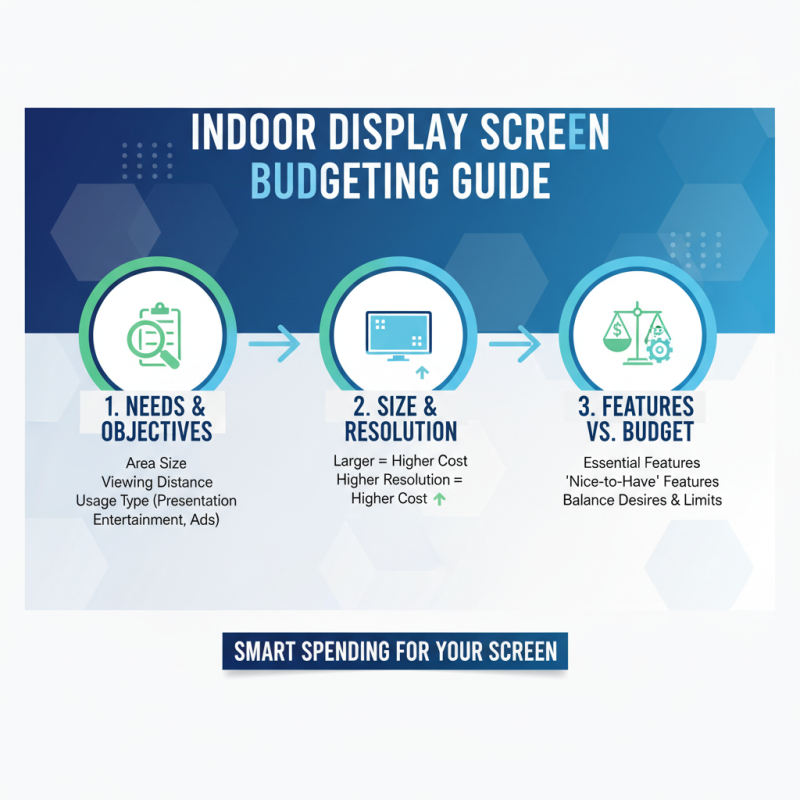
When budgeting for your indoor display screen purchase, it's essential to first determine your specific needs and objectives. Consider the size of the area where the screen will be placed and the distance from which it will be viewed. Screens come in various sizes and resolutions, which can significantly affect the price. A larger, higher-resolution screen will typically cost more, so it’s crucial to balance your desires with practical budget constraints. Assessing how the screen will be used—whether for presentations, entertainment, or advertising—will help you make informed decisions about the features that are essential versus those that are merely nice to have.
Another important aspect of budgeting is considering the setup costs alongside the price of the screen itself. Depending on the complexity of your installation, you may need to factor in expenses for mounting hardware, cables, and professional installation services. Additionally, consider future costs such as maintenance, possible upgrades, or additional accessories like speakers or streaming devices that can enhance the overall experience. By planning for these expenses in advance, you can ensure that your investment in an indoor display screen aligns with both your financial limits and your functional requirements, leading to a satisfying and effective setup for your home or office.
Conclusion
Choosing the right Indoor Display Screen for your home or office requires an understanding of the various types and technologies available. Key factors such as screen size, resolution, and installation options—be it wall-mounted or free-standing—play a crucial role in ensuring that the display meets your specific needs. Additionally, maintenance tips are essential for prolonging the life of your display, while proper budgeting can help you manage the purchase and setup costs effectively.
When comparing popular Indoor Display Screen options, it’s important to weigh the features that matter most to you. Consider the environment in which the screen will be used and how it will be displayed, as this can influence your choice. By taking into account these factors, you can make an informed decision that enhances your space, whether for personal enjoyment or professional presentations.

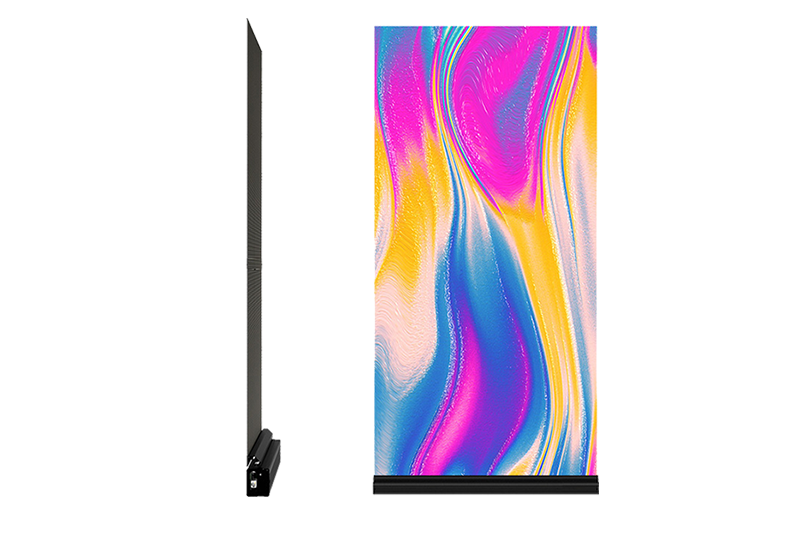 Transparent Series
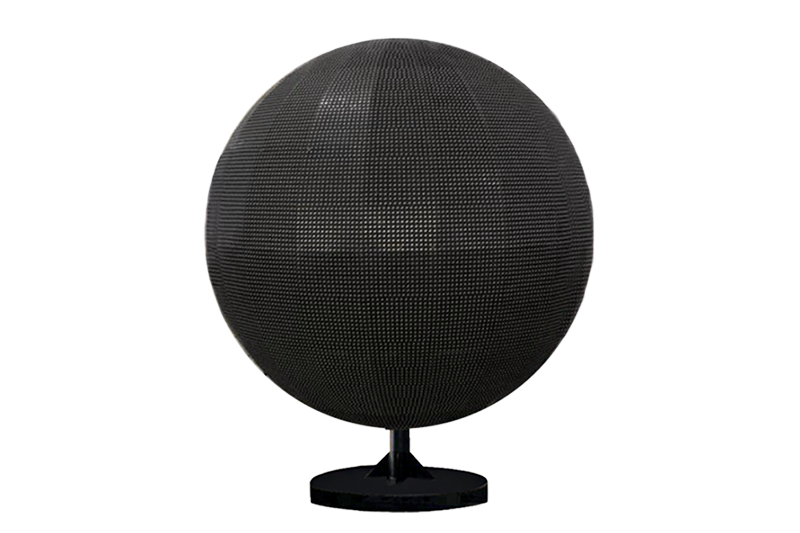 Special-Shaped Customized Series
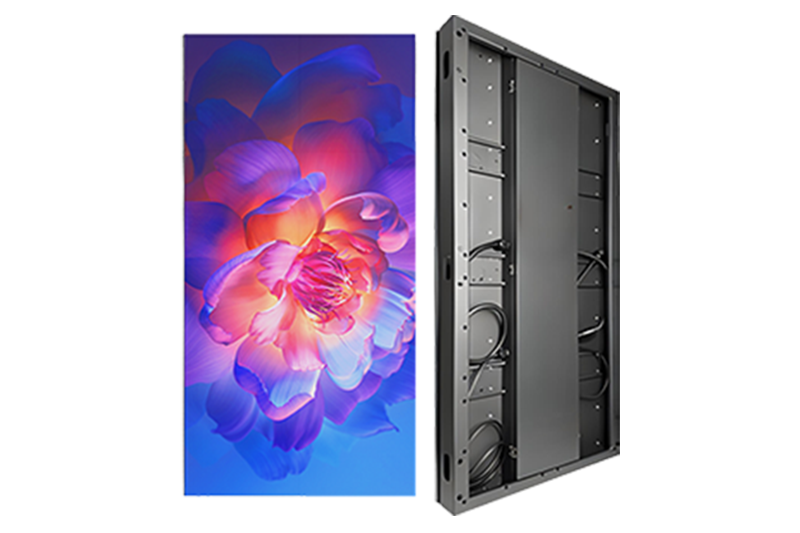 Ground Interactive Series
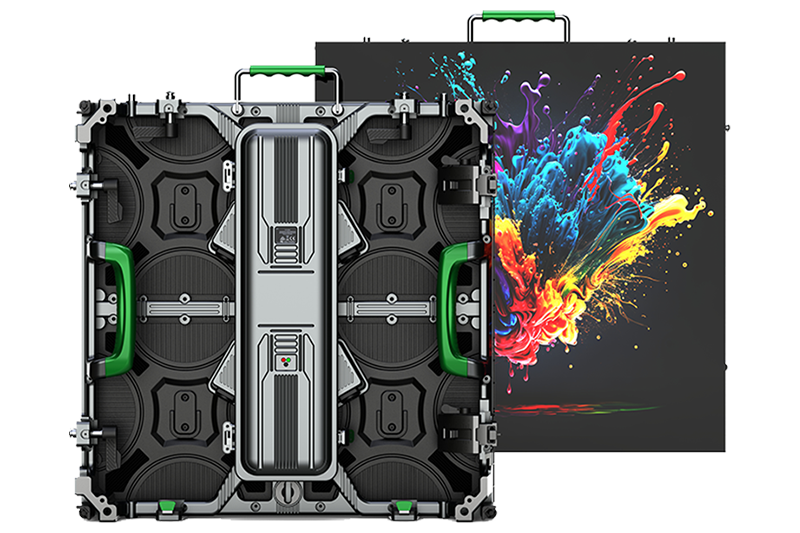 Rental Stage Series
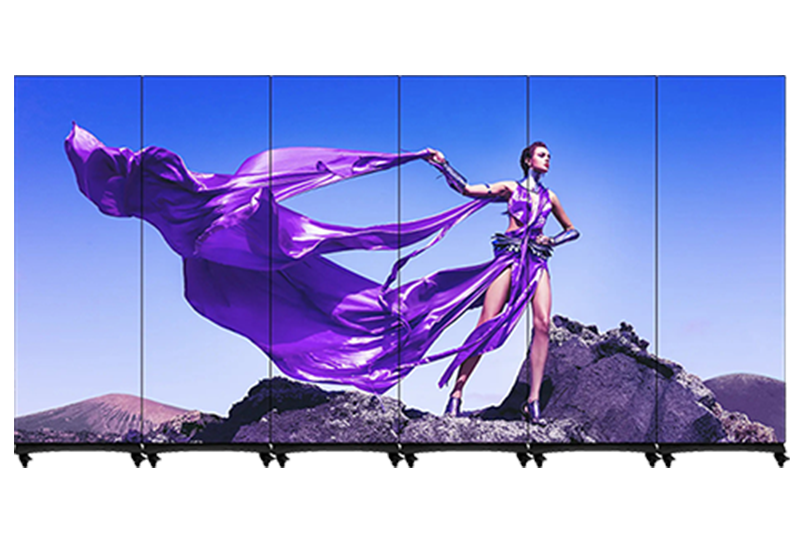 Conventional Series